

Project Management Template Excel | Gantt Chart, Kanban, Dashboard, Timesheet, Task Tracker, Project Planner Spreadsheet
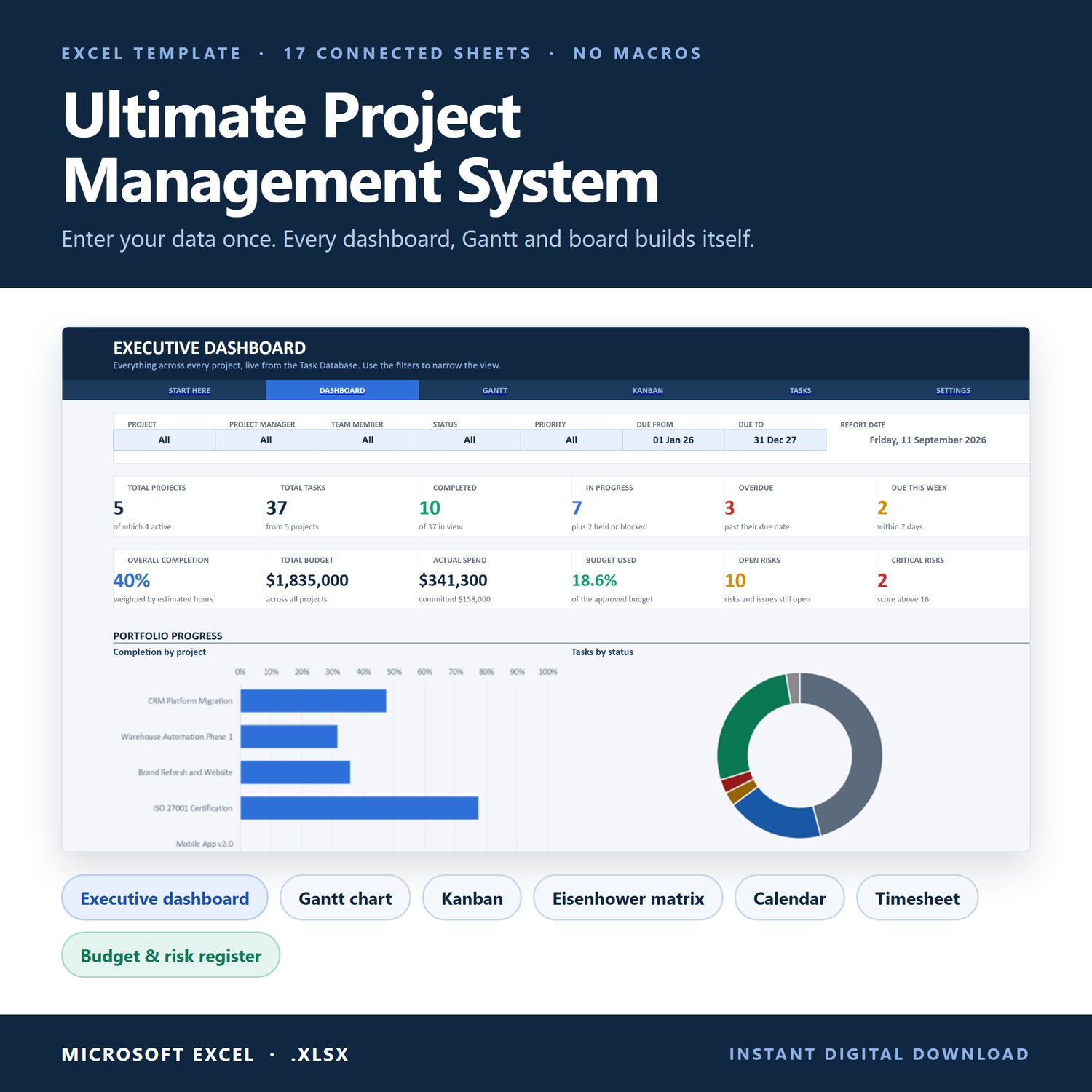
Project management Excel template with an automatic Gantt chart, Kanban board, executive dashboard and timesheet, all in one connected file.
Enter each project and task once. The Gantt chart, Kanban board, dashboards, planners, calendar and team workload all update by themselves. No macros, no passwords, no colouring cells by hand.
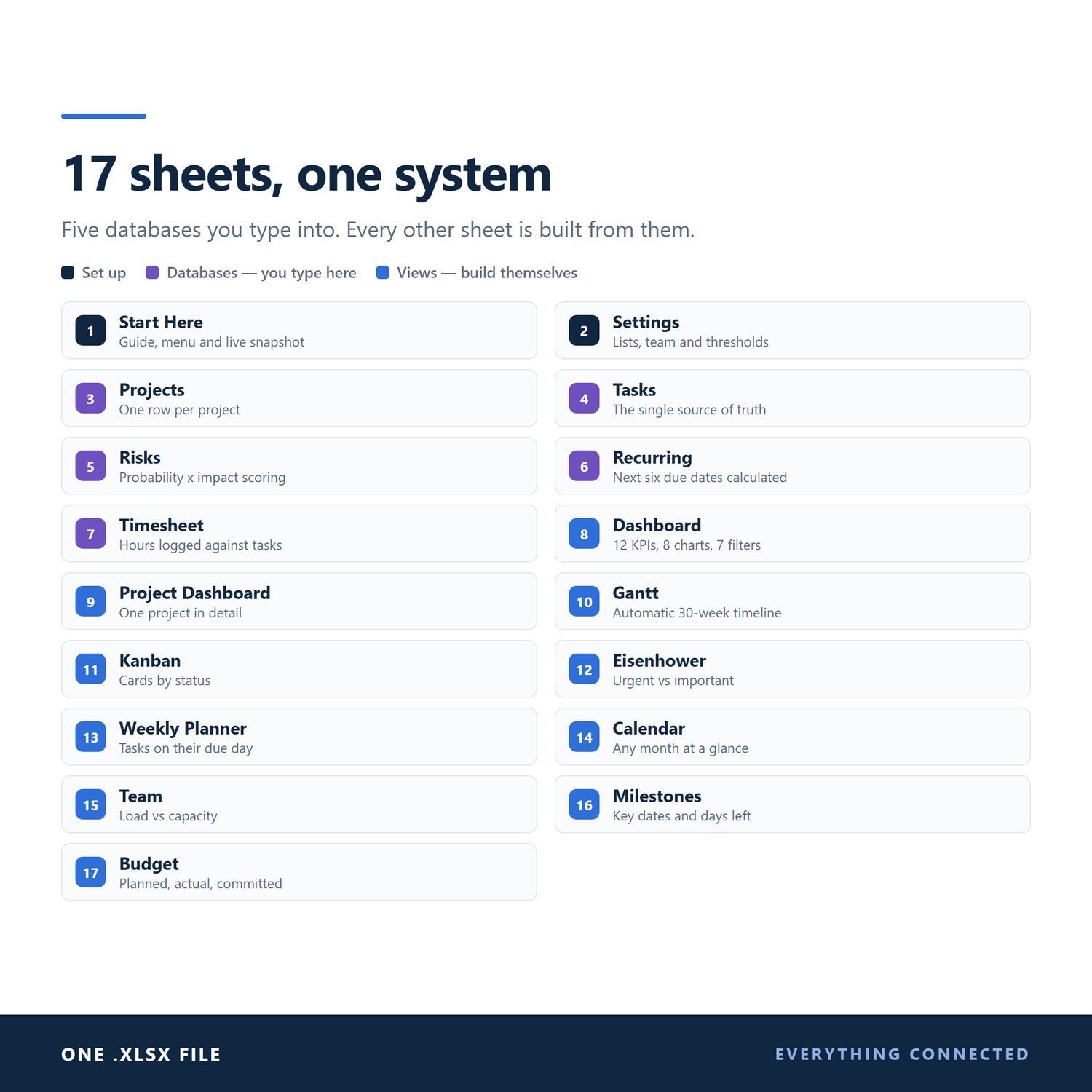
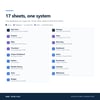
WHAT'S INSIDE: 17 CONNECTED SHEETS
• Start Here: quick-start guide, a menu that jumps to every sheet, and a live snapshot
• Settings: your team, weekly capacity, drop-down lists and thresholds
• Projects: one row per project. % complete, overdue tasks, open risks and health (Green / Amber / Red) are calculated for you
• Tasks: the single source of truth. Owner, dates, status, priority, phase, estimated hours and more
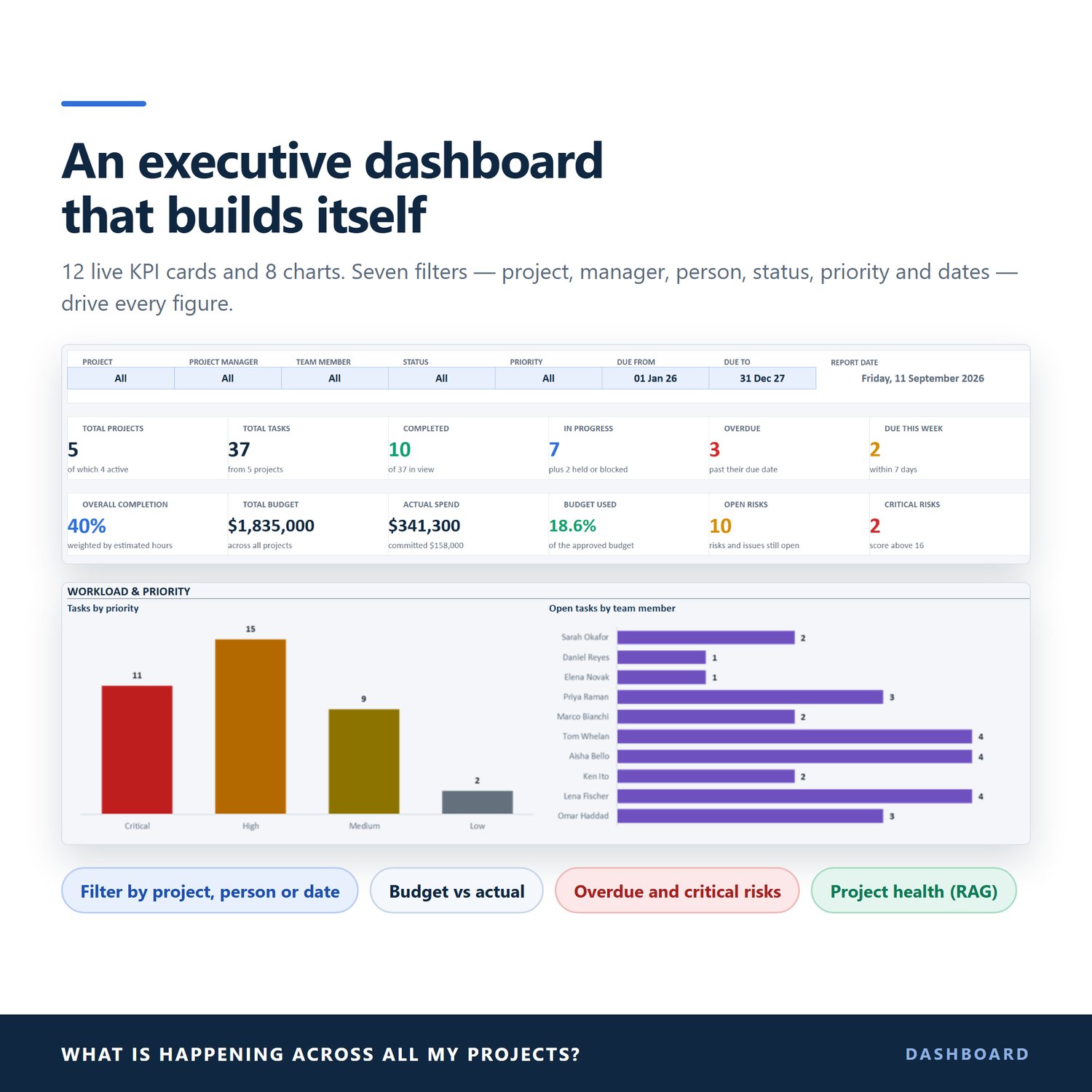
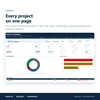
• Executive Dashboard: 12 KPI cards and 8 charts, filtered by project, manager, team member, status, priority and date range
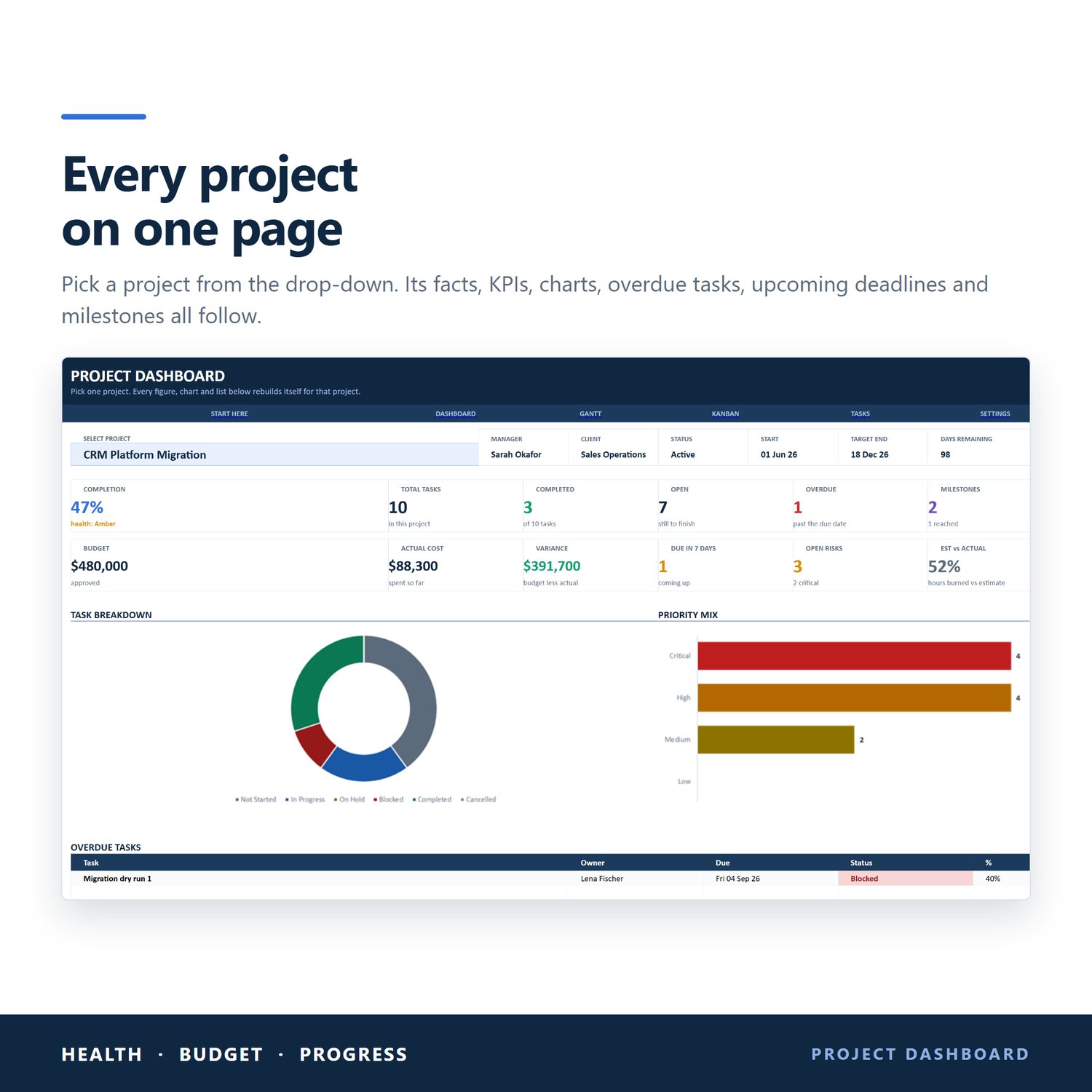
• Project Dashboard: pick a project from the drop-down to see its KPIs, charts, overdue tasks, upcoming deadlines and milestones
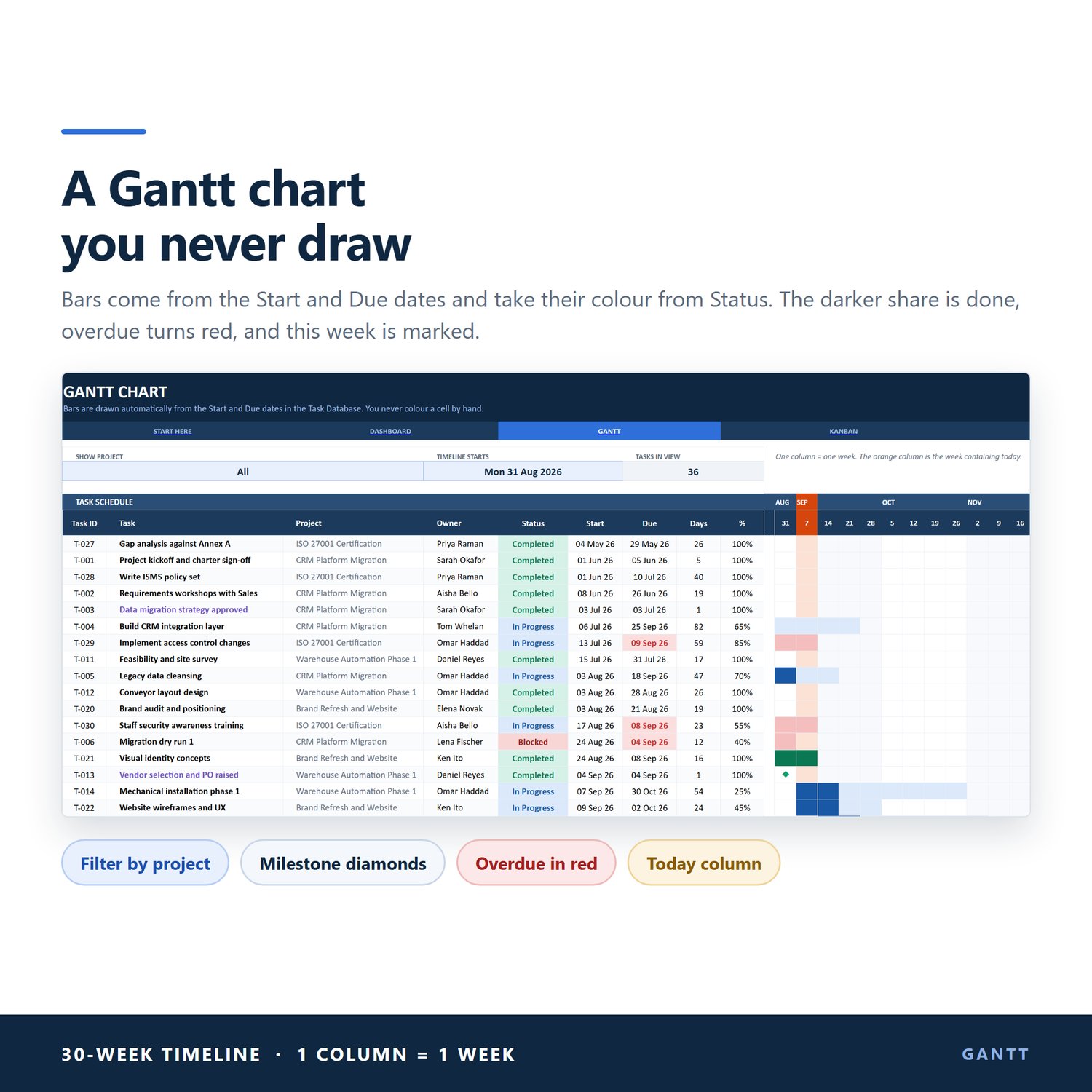
• Gantt Chart: bars drawn from your start and due dates, coloured by status, with progress shading, overdue tasks in red, milestone diamonds and this week highlighted. Filter by project and choose where the 30-week timeline starts
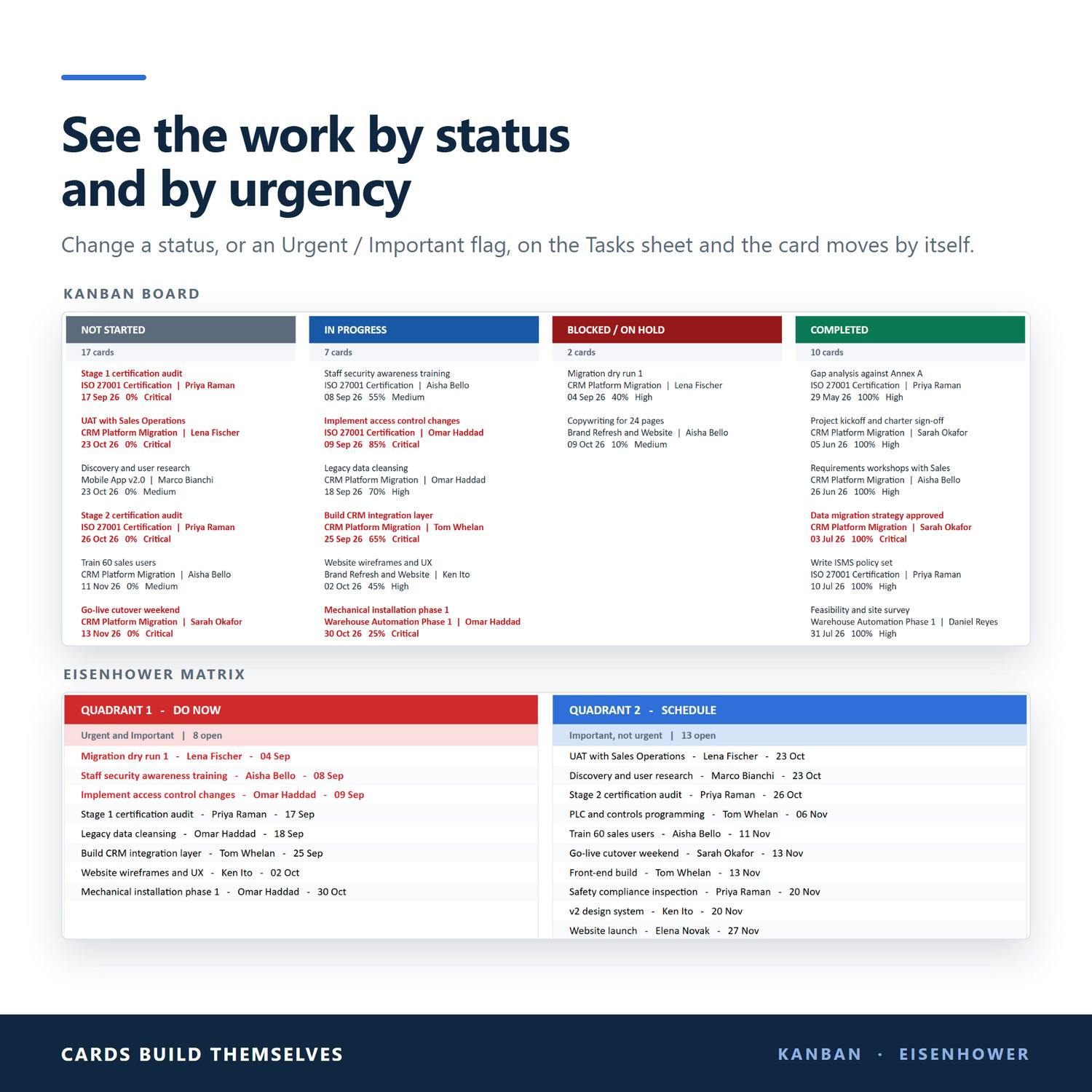
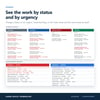
• Kanban Board: cards sort themselves into Not Started, In Progress, Blocked / On Hold and Completed
• Eisenhower Matrix: tasks sort into Do Now, Schedule, Delegate and Low Priority from two Yes / No columns
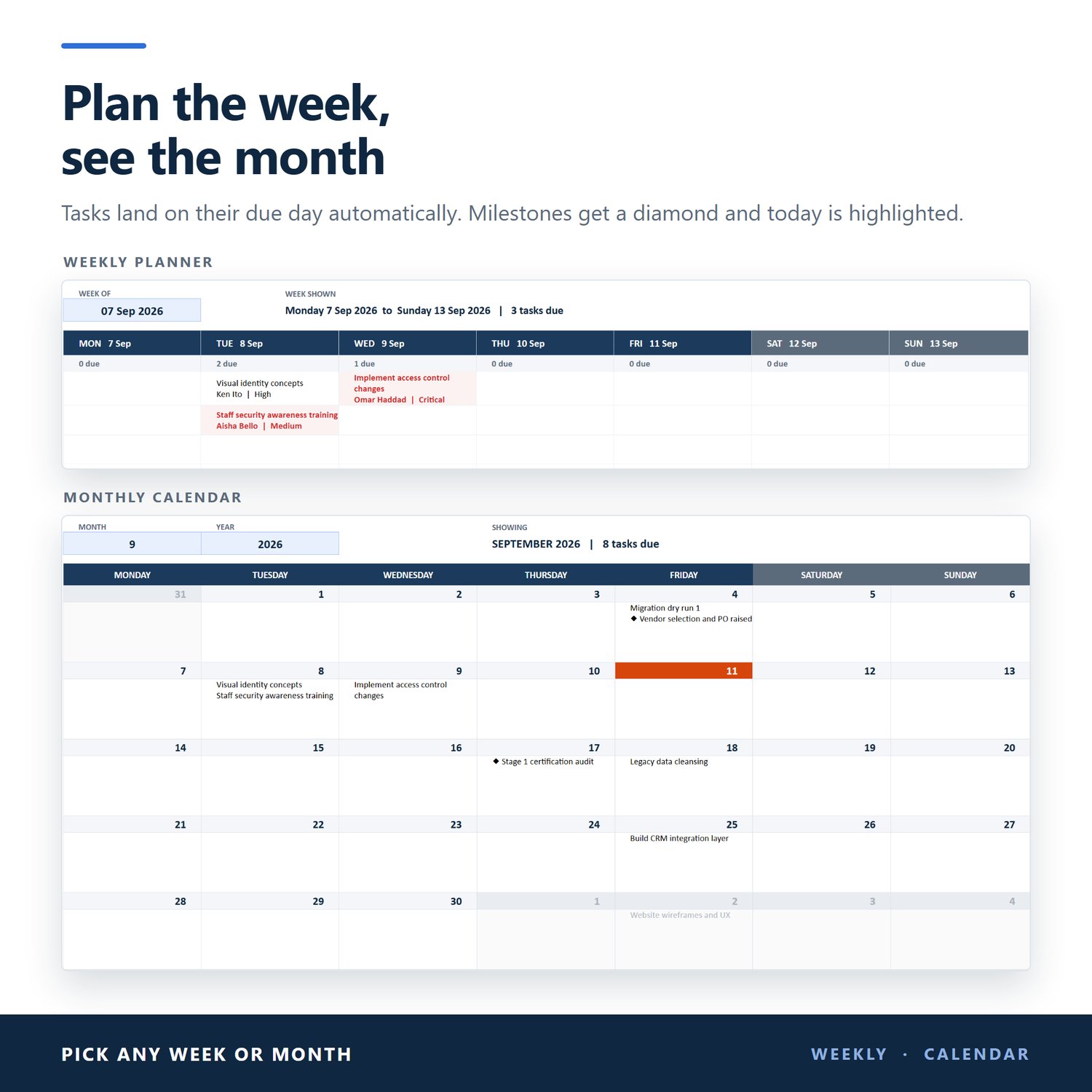
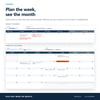
• Weekly Planner: pick any week. Tasks land on their due day, plus today's tasks and the next 14 days of deadlines
• Monthly Calendar: pick any month. Tasks land on their due dates, milestones are marked and today is highlighted
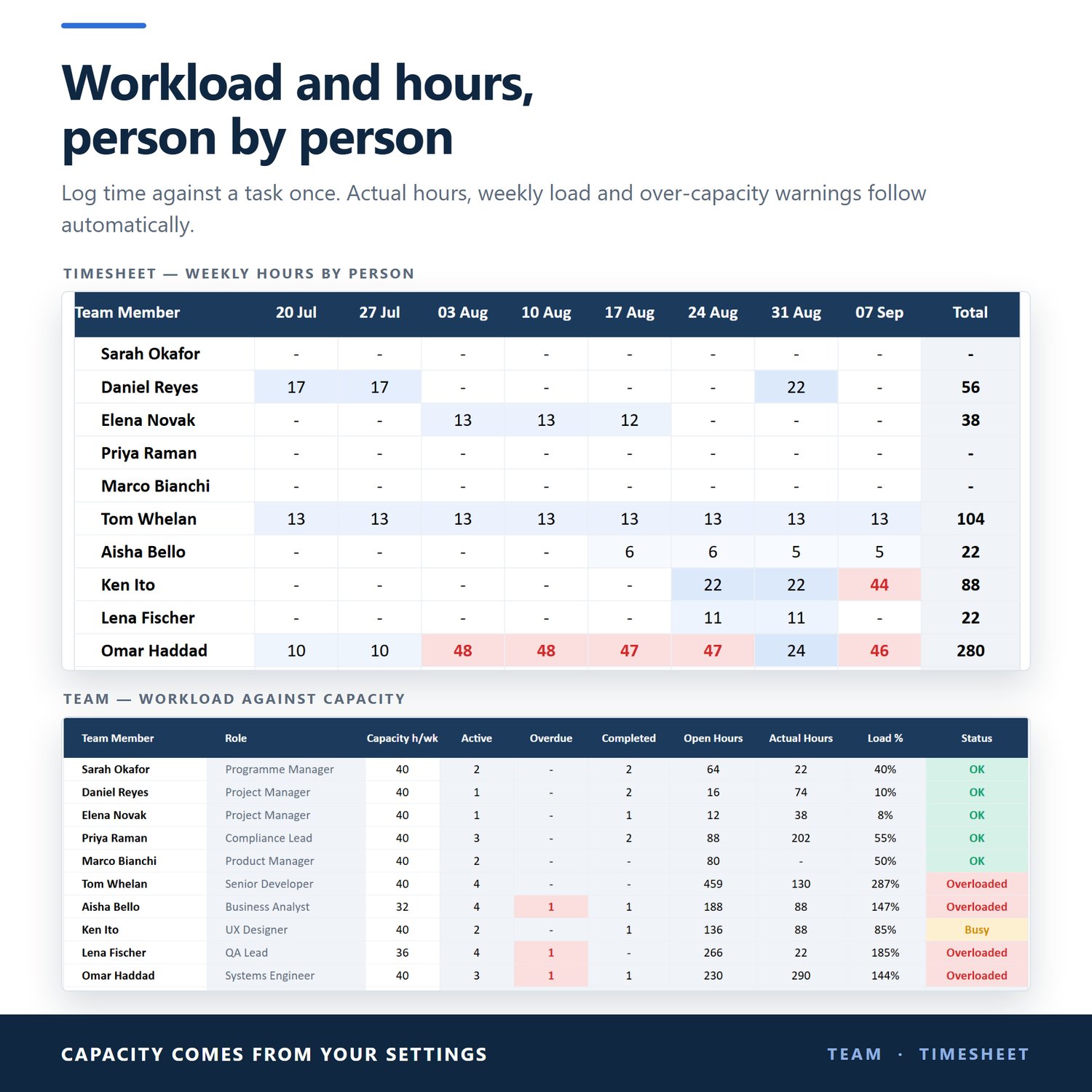
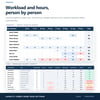
• Team: open tasks, hours and load against each person's capacity, flagged OK / Busy / Overloaded
• Timesheet: log hours against a task. Actual hours, weekly hours per person, billable share and hours by project update automatically. Over-capacity weeks turn red
• Milestones: every milestone with its target date and days left
• Risk Register: probability x impact scoring, severity, owner, mitigation and target dates
• Budget: budget, planned, committed and actual cost, variance and % used per project
• Recurring Tasks: set a frequency and the next six due dates are calculated
HOW IT WORKS
1. Add your team on the Settings sheet
2. Add your projects
3. Add tasks with start and due dates. Type directly under the last row and the table grows
4. Change a status or priority and every sheet updates
Grey columns are calculated and refuse typing, so a formula can't be typed over by accident. Dashboards and views are protected with no password.
REQUIREMENTS: PLEASE CHECK BEFORE BUYING
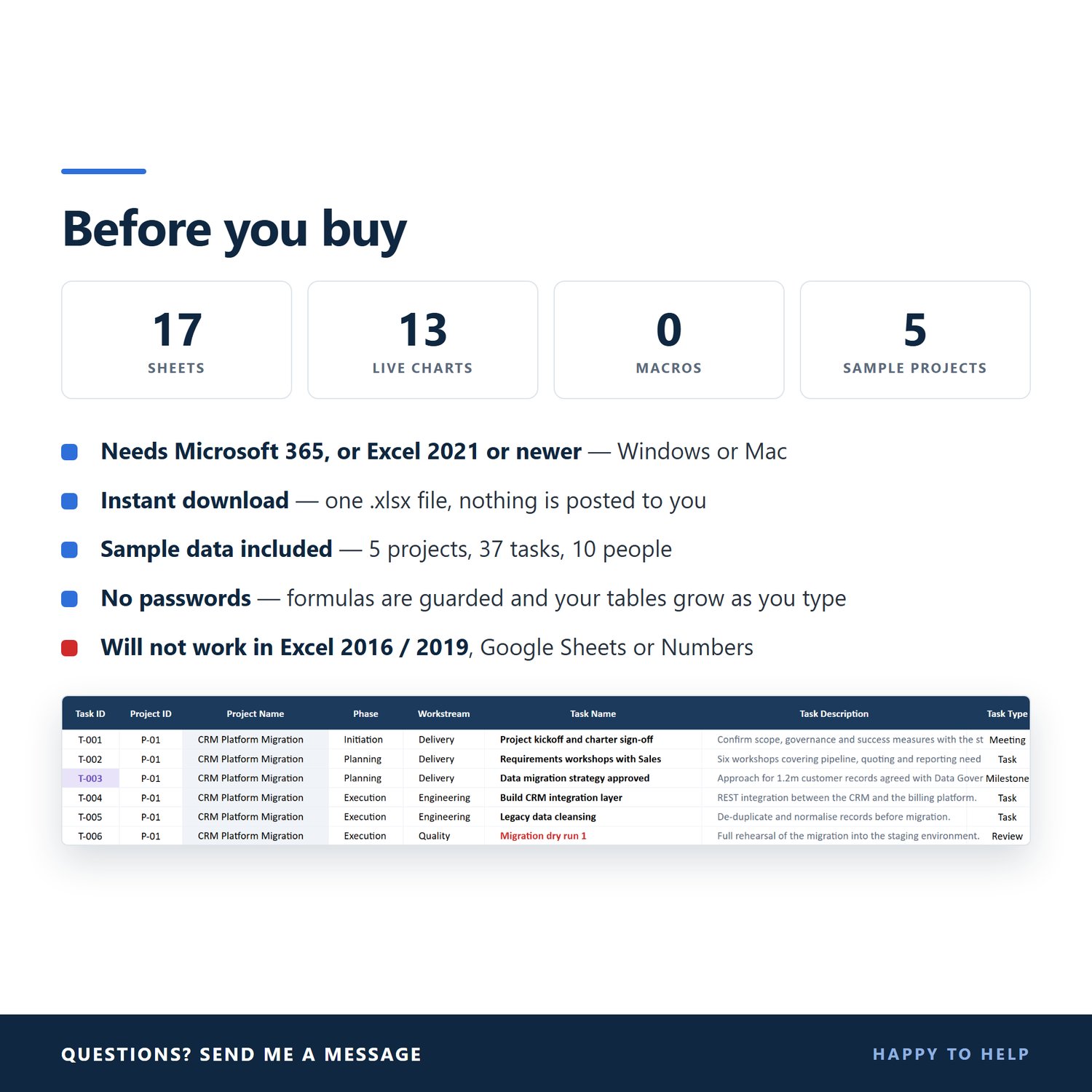
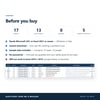
✔ Microsoft 365 (Excel), or Excel 2021 or newer, on Windows or Mac
✘ Will not work in Excel 2016 or 2019 (they don't have the XLOOKUP and LET functions)
✘ Not made for Google Sheets, Apple Numbers or LibreOffice
• Best used on a computer
YOU WILL RECEIVE
• 1 Excel file (.xlsx), instant download
• Sample data so you can see everything working: 5 projects, 37 tasks, 10 team members, 12 risks and 62 timesheet entries. Replace it with your own
• Nothing is posted to you
Your download link appears as soon as payment goes through, and a copy is emailed to you. If you lose the email, use the Contact link at the top of this page and I'll send it again.
Because this is a digital file, it can't be returned once it has been downloaded. Please check the requirements above before buying.
TERMS OF USE
For your own personal or business use. Please don't resell, share or redistribute the file.
Questions before you buy? Use the Contact link at the top of the page. I'm happy to help.